Notification management
admin feature for configuring notifications across channels and personas
problem
As Atomicwork expanded across teams, personas, and communication channels, notification behavior became increasingly difficult to manage. Customers relied on notifications for critical actions like request creation, approvals, and updates, but changes to notification content or delivery required backend intervention. This made updates slow and inconsistent, and limited how much control customers had over how notifications reflected their workflows and tone.
solution
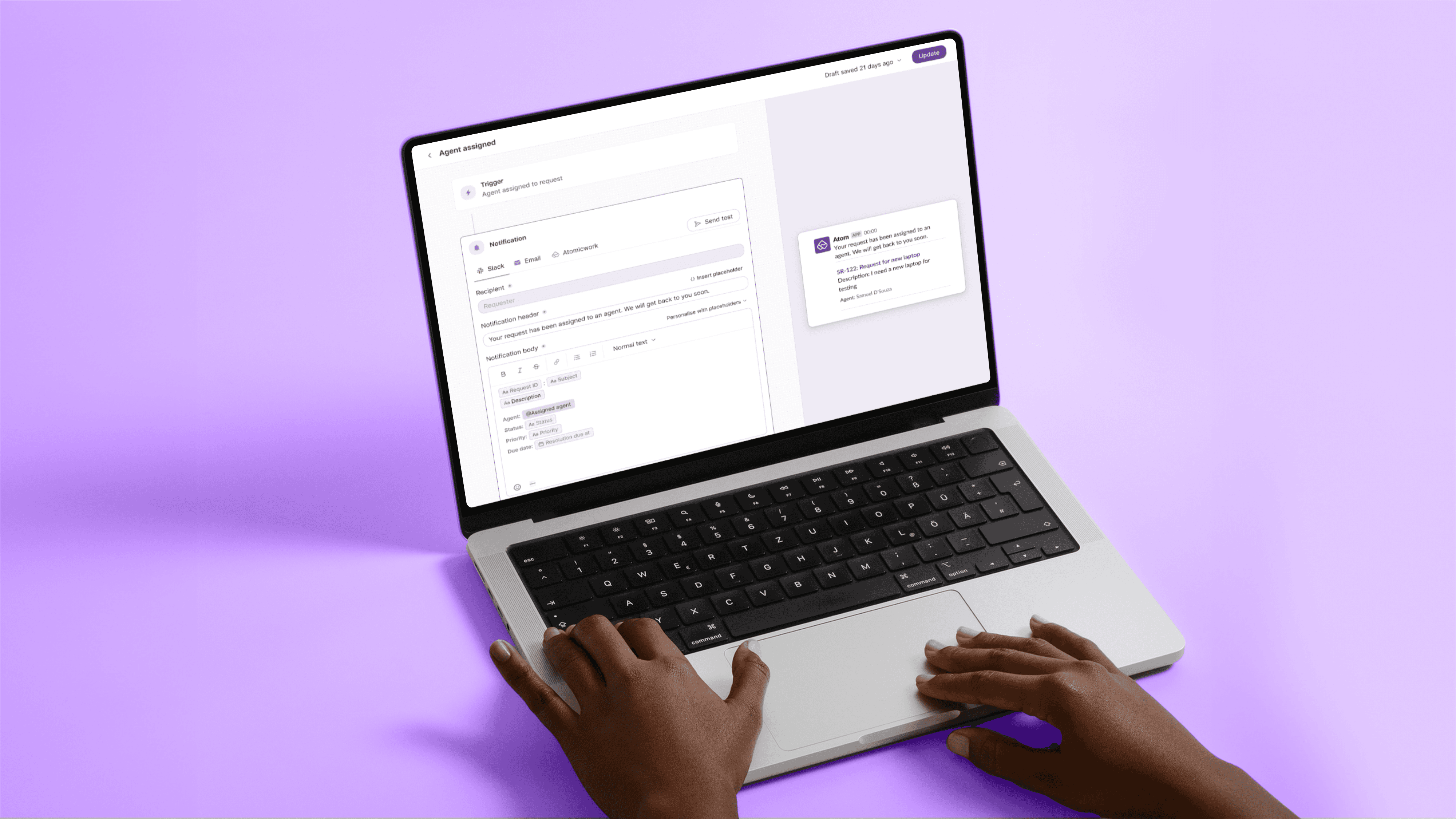
Notification management lives within admin settings, where notifications can be configured per persona and channel. Admins can edit templates, enable or disable notifications, and preview changes before publishing to see how messages appear across channels. The configuration supports dynamic content and automatically adapts formatting and attachments to each channel, ensuring notifications render consistently across Slack, Teams, email, and the Atomicwork portal.
The feature aims to give admins control over the content and delivery of request notifications across channels.
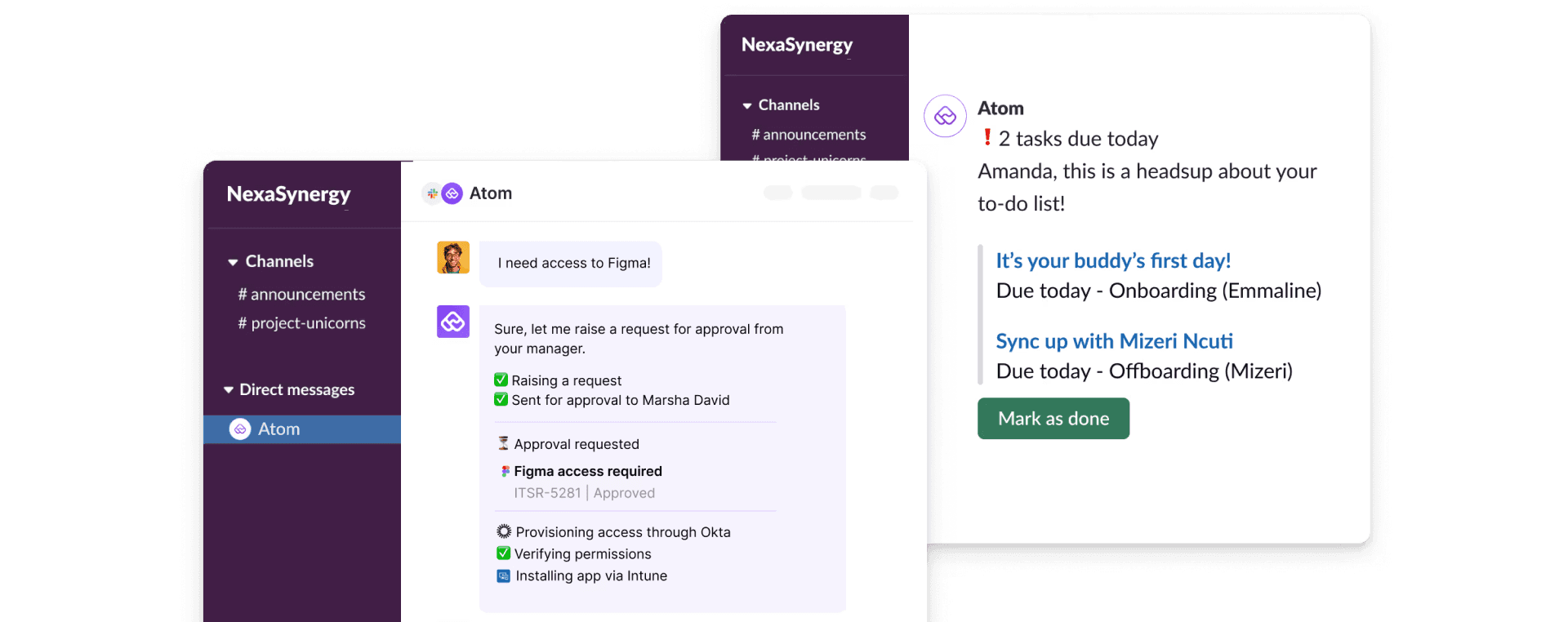
In Atomicwork, request notifications are used to communicate events such as request creation, updates, and approvals through Atom. These notifications are sent to different personas involved in a request, including requester, assigned agent, approver, and followers. Notifications can be delivered through multiple channels such as Slack, Microsoft Teams, email, and the Atomicwork portal, based on how an organization has set them up.



see also